
What is an SQL file?
A SQL file is one that contains SQL (Structured Query Language) statements and has the extension .sql. SQL is a Structured Query Language used to retrieve and modify data of database tables. SQL file is a collection of SQL DML statements (Insert, Update, Delete or Select statement).
Following are the steps need to complete before importing sql file
- Open MySQL Command Line
- Change or Switch database in which file will be imported
- Import .SQL file
How to open MySQL from command line
There are two ways to open MySQL server 8.0 from command line, once it installed successfully
- Windows search option
mysql -uroot–pcommand
Method-1: Windows Search option
We can directly search for ‘MySQL 8.0 Command Line Client –Unicode’ on windows search and open MySQL Command line client as shown in below figure.
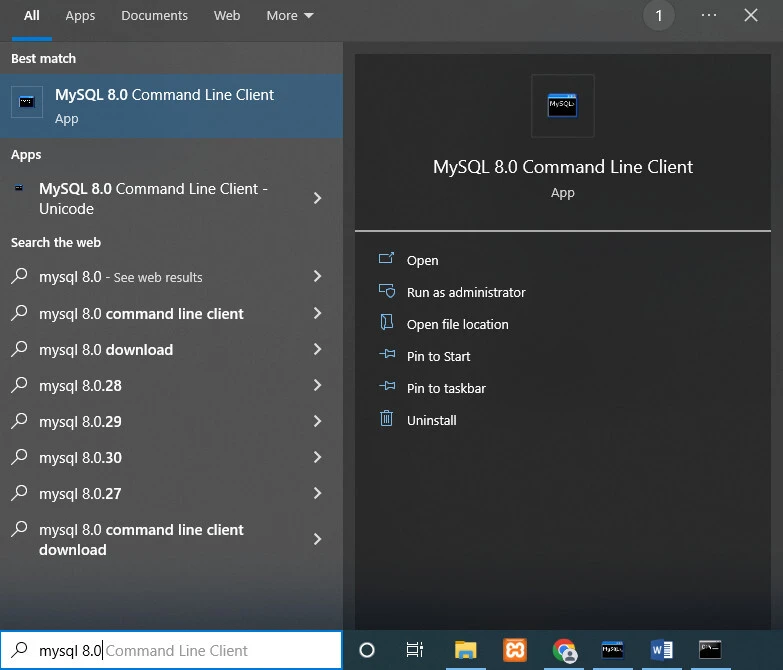
Click on Open option and start command line with MySQL prompt
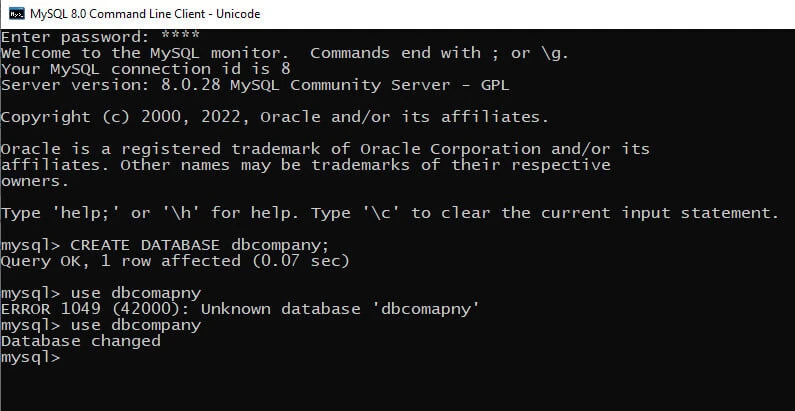
Method-2: mysql -u root –p command
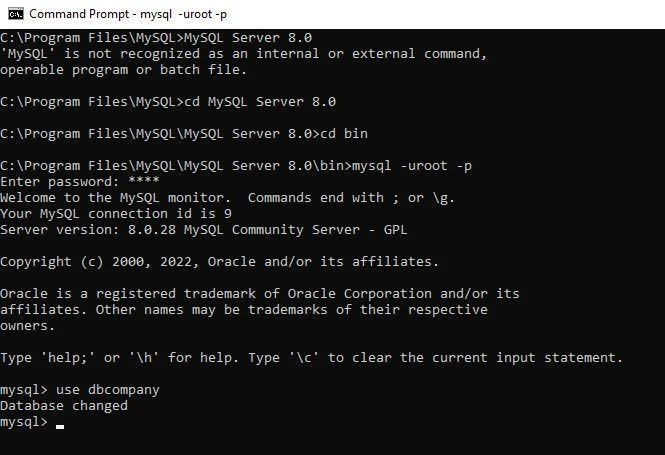
Another way to open MySQL command line is to use mysql –uroot –p
command on command line terminal of windows , following are the steps
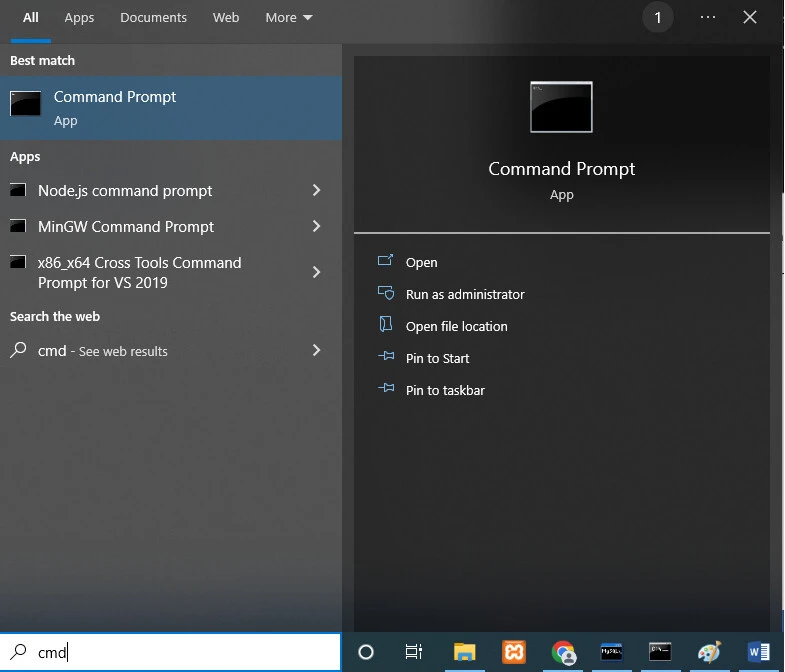
1. Open command line terminal using cmd command
2. Change current working directory to SQL Server 8.0 which reside in
MySQL directory of Program Files using cd command
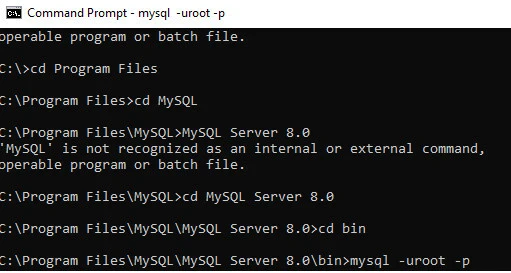
3. Switch current directory to bin with cd command and then execute following command
mysql –u root –p
- Once we execute above command, it will ask to enter password of MySQL default user. (Default user is root).
- After entering correct password you are able to work on MySQL terminal
How to change active database in MySQL
To change or switch DATABASE, run the same USE database_name query with the new database name that you wish to work on
USE database_name
Different methods to import .sql file in MySQL database
There are two ways to import .sql file in active database
- Import Files Using MySQL Shell
- Import Files Using source command
Method-1: Import Files Using MySQL Shell
First step is to change current directory on command line to bin folder where the database is reside in which the file to be imported using ‘cd’ command
Syntax to import .sql file using MySQL shell
mysql -u username -p database_name < path_to_mysql_file.sql
Example 1 : Import SQLQuery1.sql file which is located in D drive into dbcompany database
Mysql –u root –p dbcompany < “D:\SQLQuery1.sql”
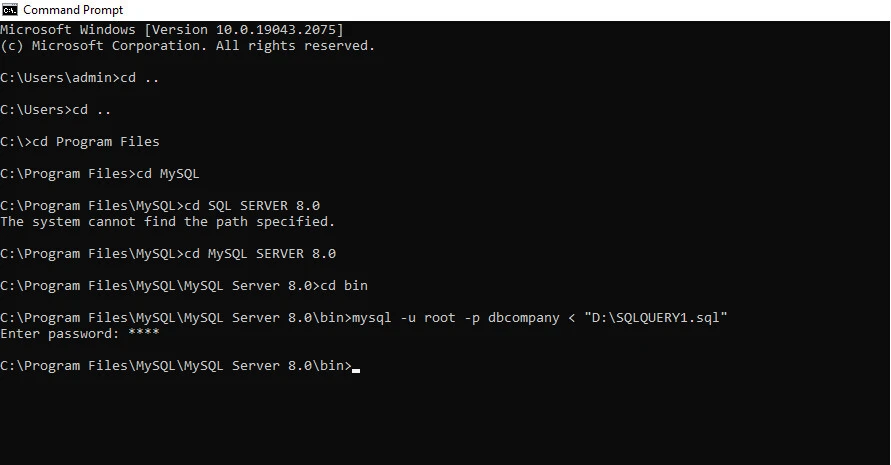
- -u: is the flag that specifies the MySQL
- -p: is the flag indicates that you should be prompted to enter a password once the command is executed.
- <: this symbol indicates that we want to import the .sql file to the specified MySQL database
- dbcompany: is the name of the database in which .sql files will be imported
- “D:\SQLQUERY1.sql” is the complete path to the SQL dump file to be imported
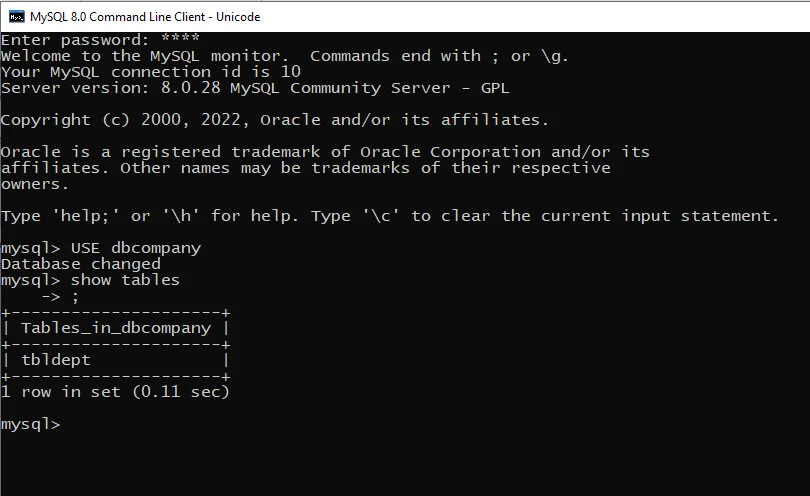
OUTPUT:
Method-2: Import Files Using source command
In MySQL we can import file using source command also. We can execute an SQL script file using the source command or \ Command.
The source command is a command line client specific command which MySQL Workbench does not support. Source command is used to load the .sql file and to run it
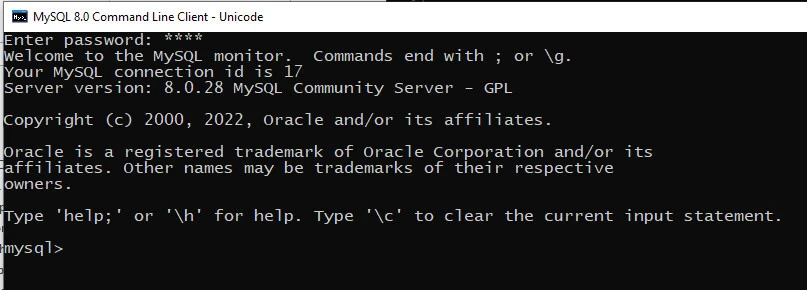
First step is to open MySQL command line client
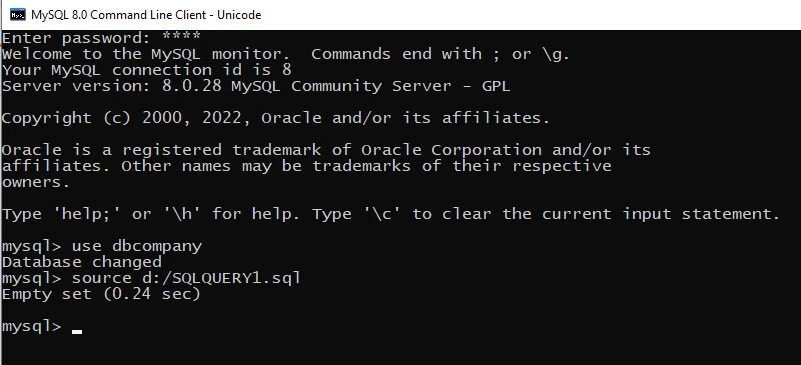
Example 2: Import SQLQuery1.sql file in dbcompany database using source command
Use dbcompany

Source d:/SQLQuery1.sql
dbcompany: is the database in which .sql file will be imported
D:/SQLQuery1.sql : is the .sql file to be imported
OUTPUT:
Summary
In this article on MySQL import sql file using command line , We are covered overview of .sql file , steps to import .sql file , how to open MySQL command line , how to change current database using USE command , and also explained two ways to import .sql files import using MySQL shell and import using MySQL source command with practical examples.