![How to install Issabel PROPERLY [Step-by-Step]](/install-issabel/install_issabel.jpg)
What is Issabel?
Issabel is a Unified Communications Telephone Exchange software that provides user-friendly web-based configuration, management and reporting that allows you to create communication tools such as Ip Switchboard, Video Conference Server, etc.
Abilities for Isabel:
- No users limit
- Ability to share desktop or specific windows.
- Access to the conference from the web browser, without the need to install additional software.
- Edition of documents together and in real time.
- Integrated chat
Download iso file for Issabel
Issabel is offered with an operating system based on Centos 7. In other words, when this operating system is installed, Issabel is also installed. You can use www.issabel.com to download the ISO file. You can install on physical devices by burning the ISO file to DVD. For virtual installation, start the installation by uploading this file to the virtualization platform.
Install Issabel [Step-by-Step with Screenshots]
Installation begins with the steps of the operating system.
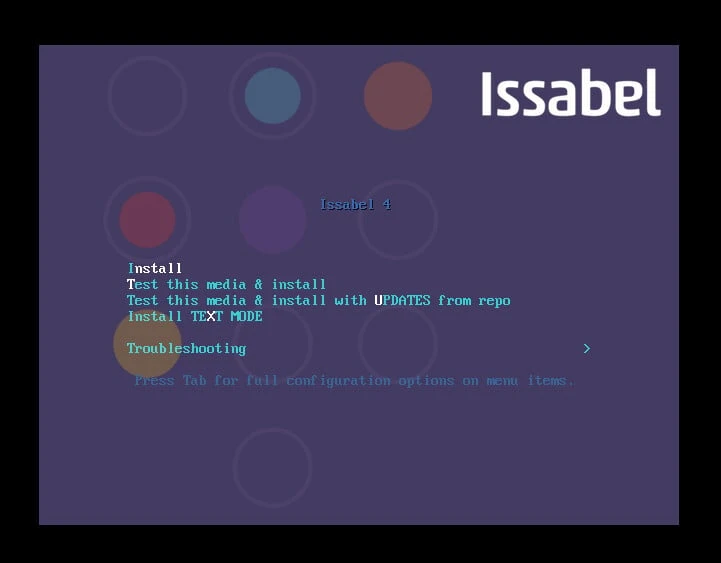
Step-1- Proceed by selecting Install.
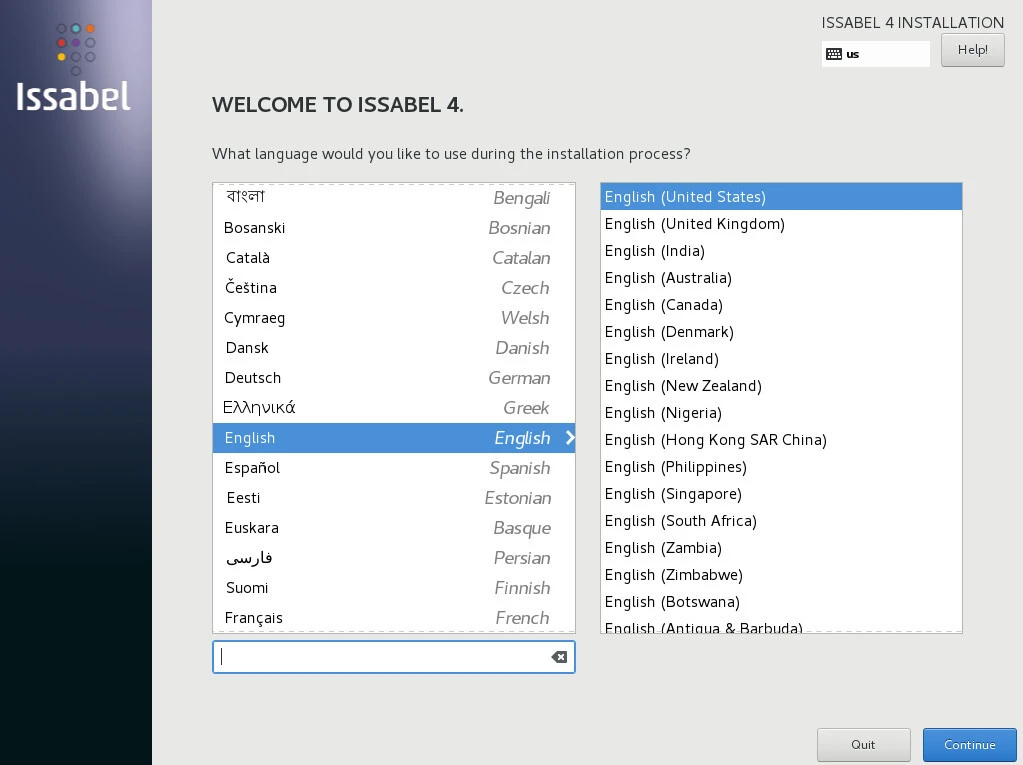
Step-2- Continue by selecting the language.
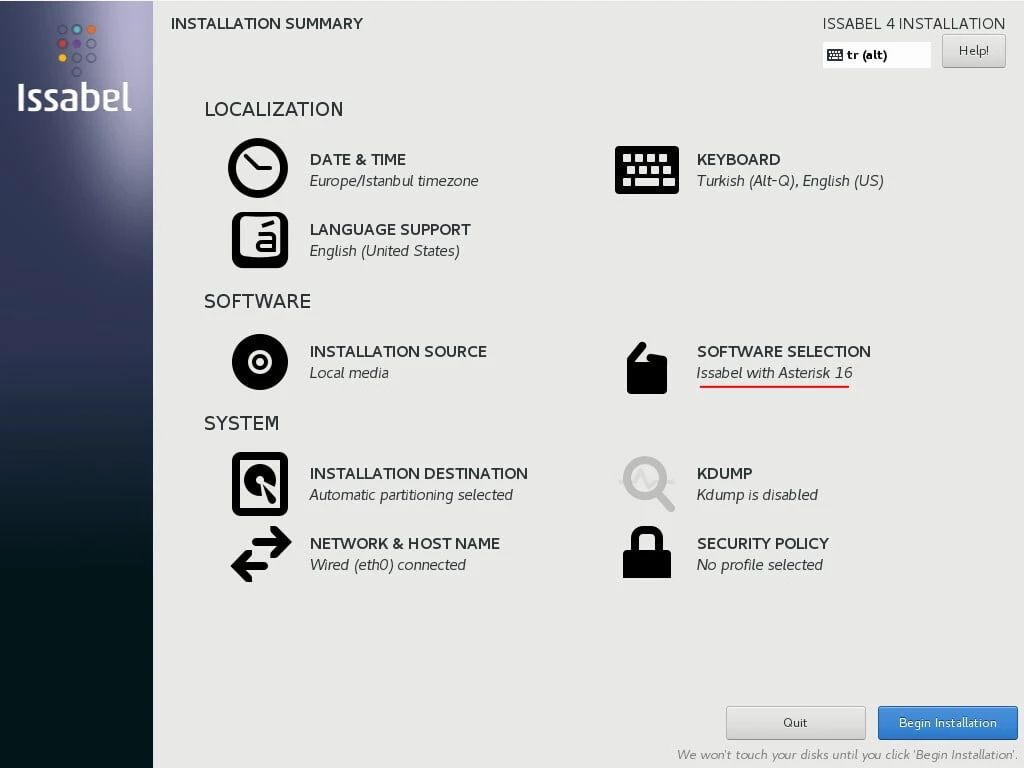
Step-3- Follow the steps for Localization, software and system. Select the asterisk version for Issabel in the software step.
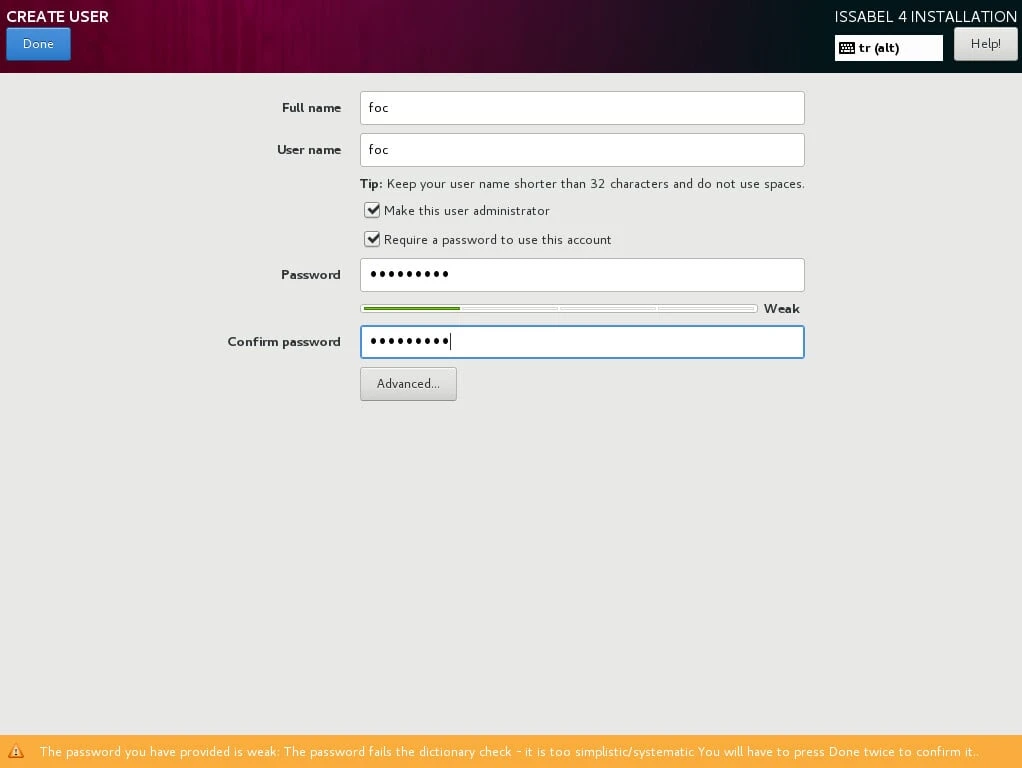
Step-4- Define a password to the operating system root user. Create a local sudo authorized user and give a password.
Step-5- Then the installation steps related to the operating system end.
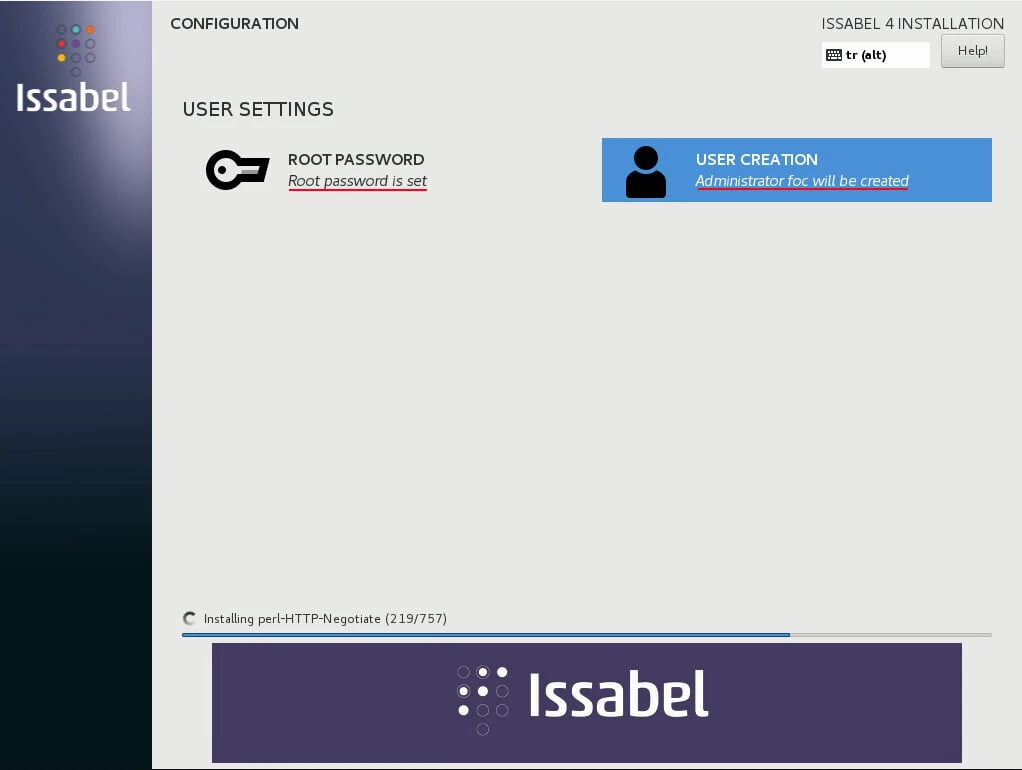
Installation continues with steps to install Issabel.
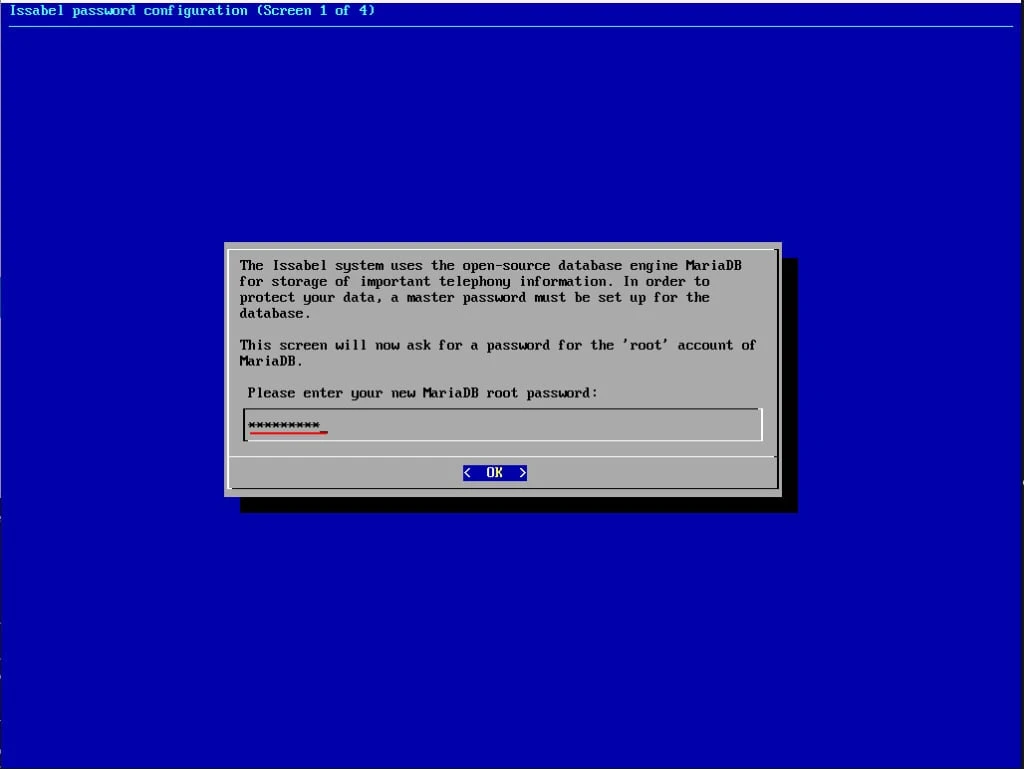
Step-6- Enter the root password for the database(Mariadb) that Issabel will use.
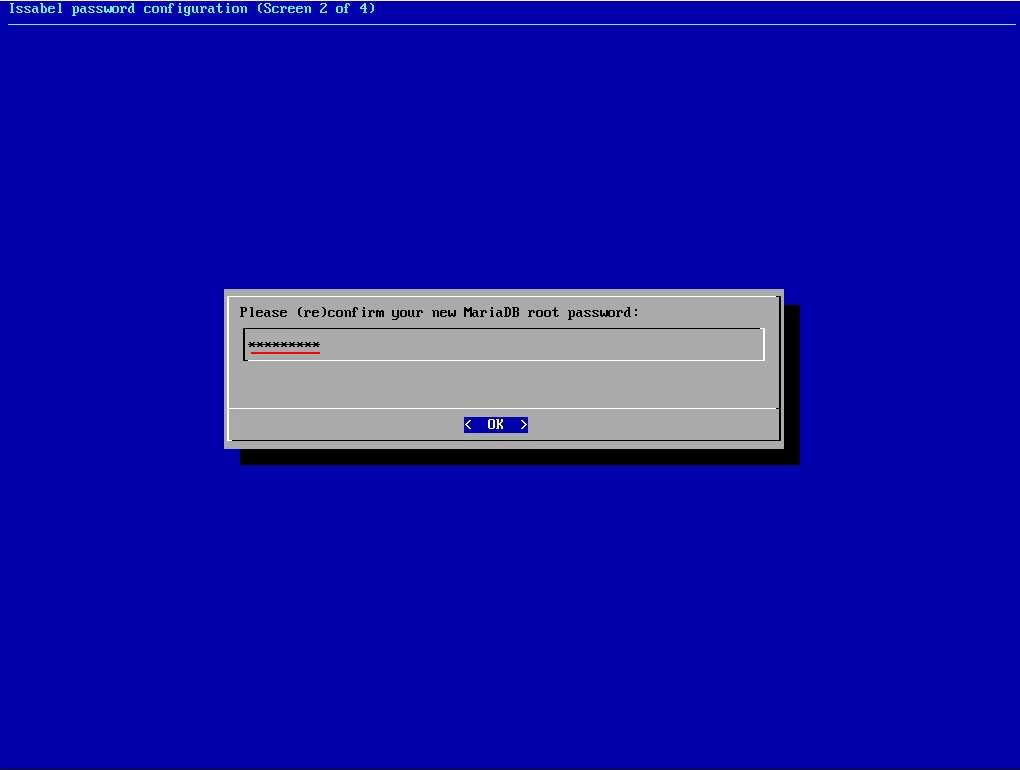
Step-7- Re-confirm the root password.
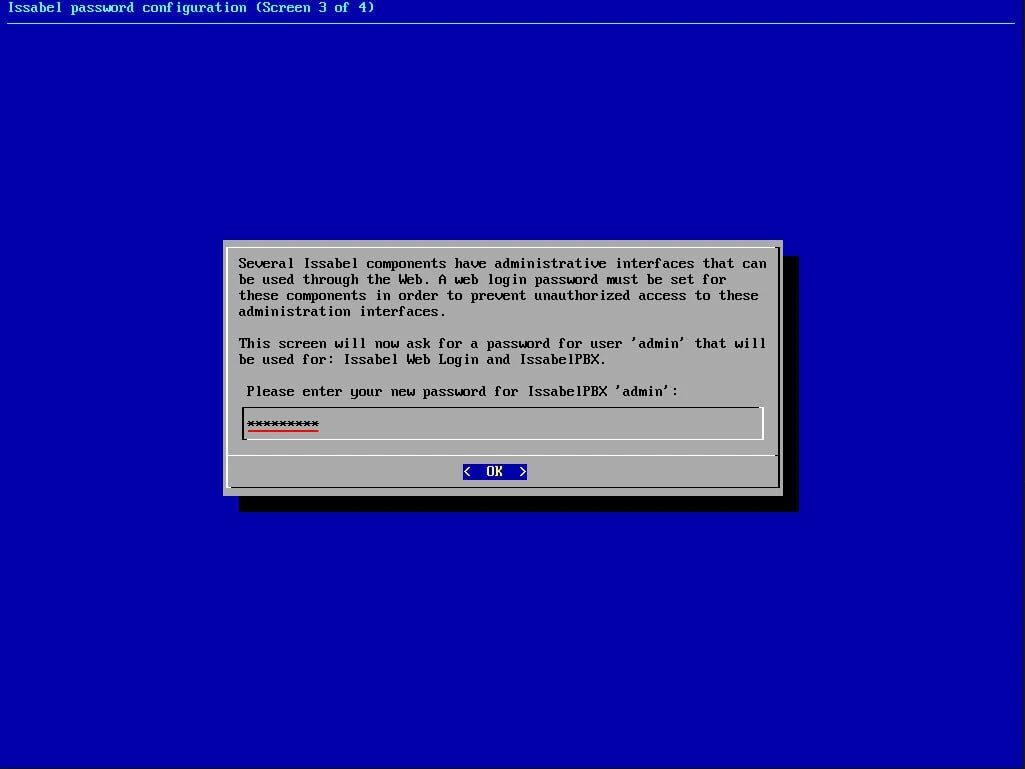
Step-8- Enter the password for the Issabel admin user.
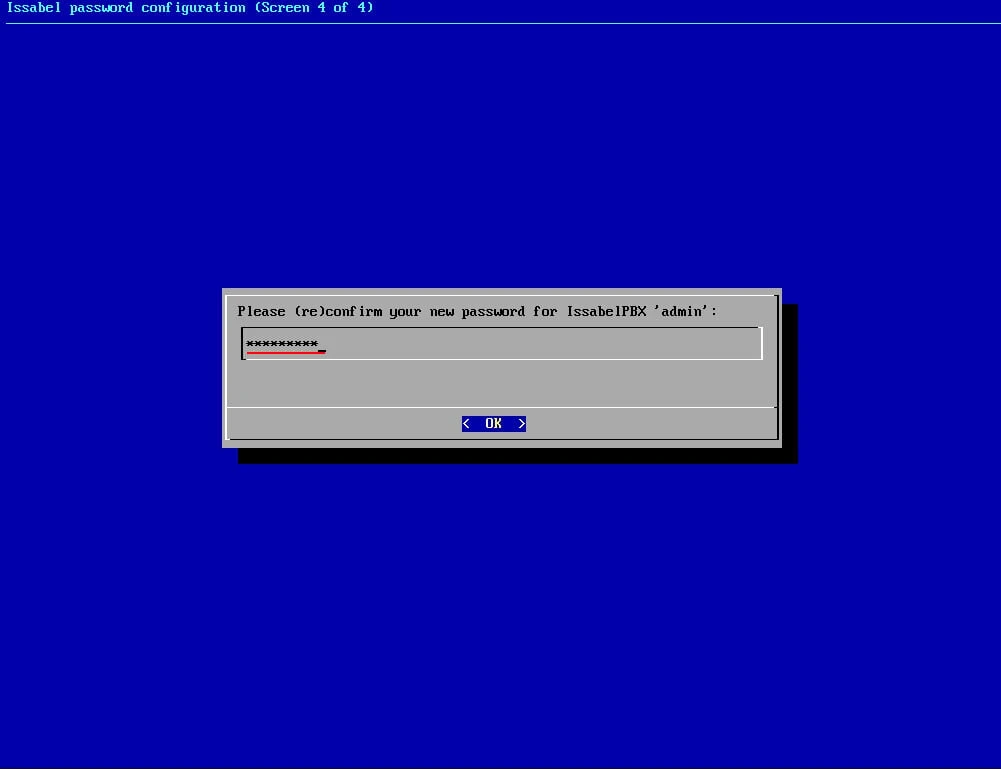
Step-9- Confirm the admin user password.
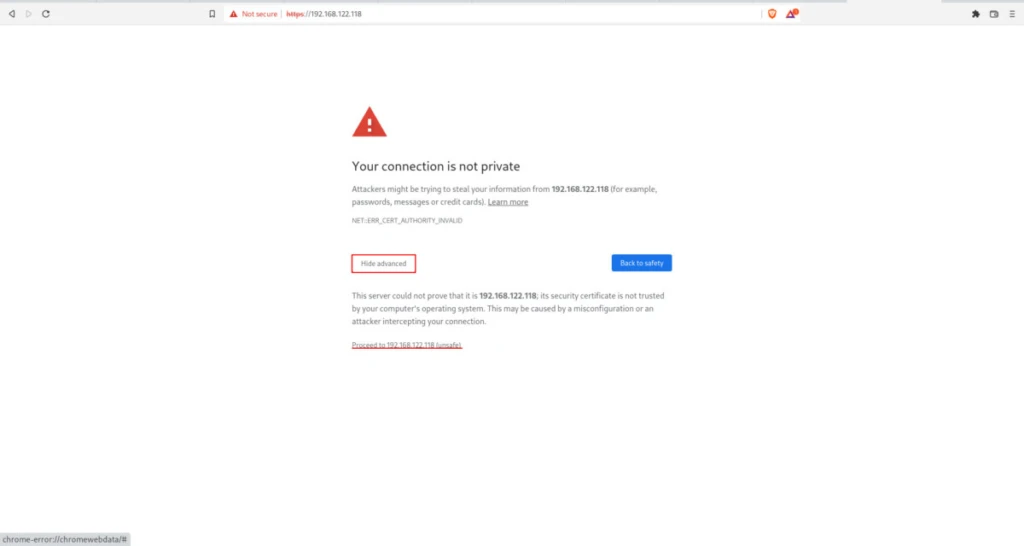
Step-10- Installation is complete. Access it by opening a web browser from a device on the same network. For example: https://192.168.122.118
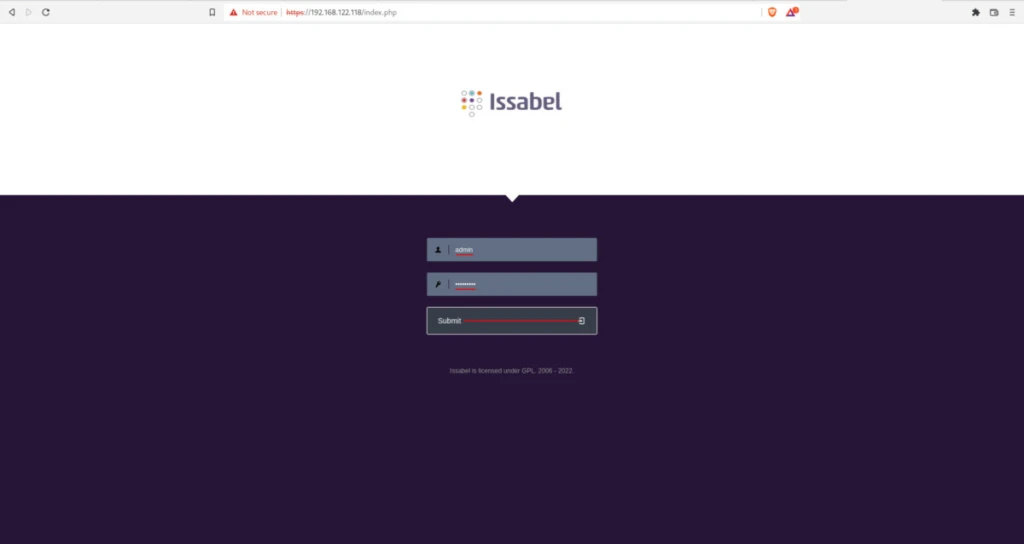
Step-11- Log in with the admin user whose password you defined during installation.
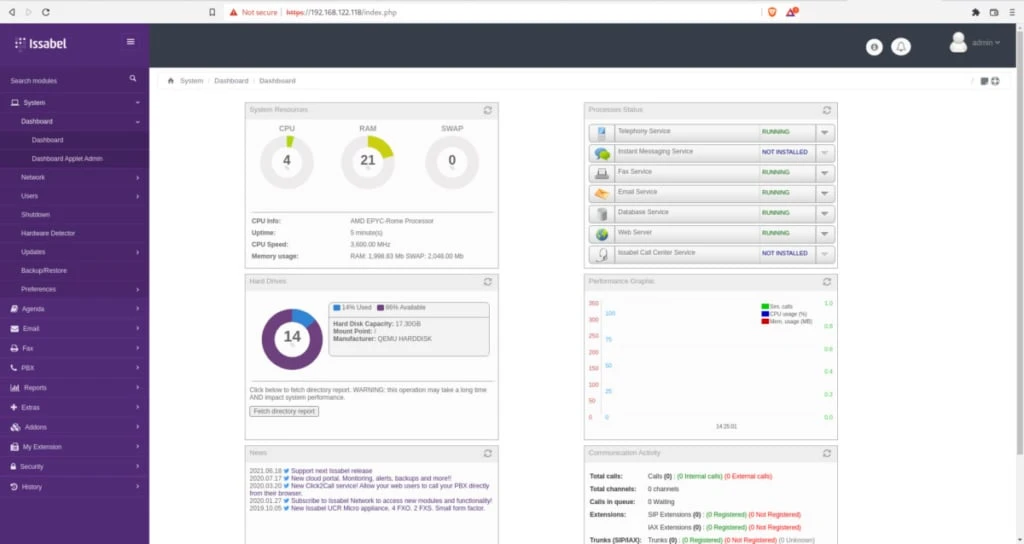
Step-12- Installation completed successfully. You can use Isabel.
It will show you a summary when you ssh into the Issabel server:
foc@fedora:~$ ssh foc@192.168.122.118
foc@192.168.122.118's password:
Last login: Sun Sep 11 14:23:59 2022

O @ @ Issabel is a product meant to be configured through a web browser.
@ @ O Any changes made from within the command line may corrupt the system
@ O O configuration and produce unexpected behavior; in addition, changes
O made to system files through here may be lost when doing an update.

To access your Issabel System, using a separate workstation (PC/MAC/Linux)
Open the Internet Browser using the following URL:

https://192.168.122.118

Your opportunity to give back: http://www.patreon.com/issabel

System load: 0.10 (1min) 0.04 (5min) 0.02 (15min) Uptime: 3 min
Asterisk: OFFLINE
Memory: [======>------------------------------------------] 14% 271/1998M
Usage on /: [=======>-----------------------------------------] 15% 2.5/18G
Swap usage: 0.0%
SSH logins: 2 open sessions
Processes: 132 total, 7 yours
Summary
There is a forum page and telegram channel for Issabel. You can visit here for any kind of support. After Issabel was installed, some commands were loaded into the system. For example:
[root@issabel foc]# issabel
issabel-add-yum-exclude     issabel-configure-lcd       issabel-endpointconfig      issabel-menumerge           issabel_migration_fpbx.sh   issabel-notification        issabel-portknock-validate
issabel-admin-passwords     issabel-dbprocess           issabel-helper              issabel-menuremove          issabel_migration.sh        issabel-portknock-cleanup
Let’s change the Issabel admin user password:
[root@issabel foc]# issabel-admin-passwords --change
After this command, first the database password and then the admin user’s password are changed.