
![How to use appendchild() in JavaScript? [SOLVED]](/appendchild-javascript/javascript-appendchild.jpg)
Introduction
The appendChild() method in JavaScript is used to add an element as
the last child of a specified parent element. This method takes a single
argument: the element that should be added as the last child of the
parent element.
Using the appendChild() method
To use the appendChild() method, you first need to select the parent
element using a method such as document.getElementById() or
document.querySelector(). Then you can call the appendChild() method
on the parent element, passing in the child element as the argument.
For example, suppose you have a <div> element with the id “parent”,
and you want to add a <p> element as the last child of the <div>
element. You could use the appendChild() method to do this, as shown
in the following code:
<!DOCTYPE html>
<html lang="en">
    <head>
        <meta charset="UTF-8" />
        <meta http-equiv="X-UA-Compatible" content="IE=edge" />
        <meta name="viewport" content="width=device-width, initial-scale=1.0" />
        <title>Document</title>
    </head>
    <body>
        <div id="parent"></div>
    </body>
    <script>
        let parent = document.getElementById("parent");
        let child = document.createElement("p");
        child.textContent = "Welcome Home";

        parent.appendChild(child);
    </script>
</html>
Output
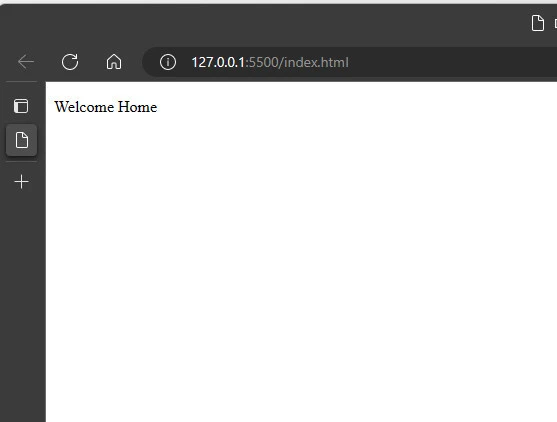
In this code, the parent variable is initialized to the <div>
element with the id “parent”. The child variable is then initialized
to a new <p> element that has been created using the
document.createElement() method. Then, the textContent property is
initialized with the “Welcome Home” string.
The appendChild() method is then called on the parent element,
passing in the child element as the argument. This adds the child
element as the last child of the parent element, so that the resulting
HTML looks like this:
<div id="parent">
  <p>Welcome Home</p>
</div>
If the parent element already has one or more child elements, the
appendChild() method will add the new child element after the last
existing child element. For example, suppose you have a <ul> element
with several <li> elements, and you want to add a new <li> element
as the last child of the <ul> element with its own text. You could use
the appendChild() method to do this, as shown in the following code:
<!DOCTYPE html>
<html lang="en">
    <head>
        <meta charset="UTF-8" />
        <meta http-equiv="X-UA-Compatible" content="IE=edge" />
        <meta name="viewport" content="width=device-width, initial-scale=1.0" />
        <title>Document</title>
    </head>
    <body>
        <ul id="list">
            <li>HTML</li>
            <li>CSS</li>
            <li>JS</li>
        </ul>
    </body>
    <script>
        let list = document.getElementById("list");
        let item = document.createElement("li");
        item.textContent = "Python";

        list.appendChild(item);
    </script>
</html>
Output
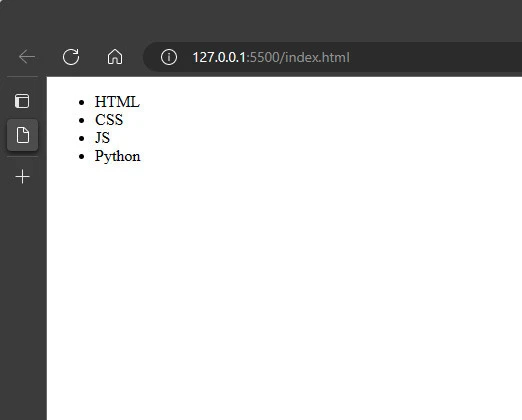
In this code, the list variable is initialized to the <ul> element
with the id “list”. The item variable is then initialized to a new
<li> element that has been created using the
document.createElement() method. Then pass the string “Python” to the
item variable using the textContent property.
The appendChild() method is then called on the list element, passing
in the item element as the argument. This adds the item element as
the last child of the list element, so that the resulting HTML looks
like this:
<ul id="list">
    <li>HTML</li>
    <li>CSS</li>
    <li>JS</li>
    <li>Python</li>
</ul>
In this example, the appendChild() method adds the new <li> element
as the last child of the <ul> element, after the existing <li>
elements.
One thing to keep in mind when using the appendChild() method is that
the child element that is added to the parent element will be removed
from its current location in the DOM (if it has one). This means that if
the child element is already a child of another element, it will be
removed from that element and added to the new parent element.
For example, suppose you have a <div> element with the id “parent1”,
and a <p> element with the id “child”. You could use the
appendChild() method to move the <p> element from its current parent
to the <div> element, as shown in the following code:
let parent1 = document.getElementById("parent1");
let child = document.getElementById("child");

parent1.appendChild(child);
Output
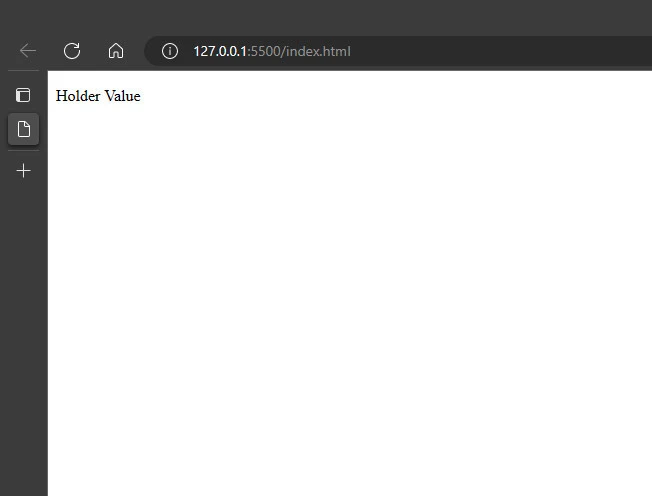
In this code, the parent1 variable is initialized to the <div>
element with the id “parent1”. The child variable is then initialized
to the <p> element with the id “child”.
The appendChild() method is then called on the parent1 element,
passing in the child element as the argument. This moves the child
element from its current parent element to the parent1 element, so
that the resulting HTML looks like this:
<div id="parent1">
  <p id="child">Holder Value</p>
</div>
If the child element was previously a child of another element, it will
no longer be a child of that element after the appendChild() method is
called.
Summary
In summary, the appendChild() method in JavaScript is used to add an
element as the last child of a specified parent element. This method
takes a single argument: the element that should be added as the last
child of the parent element. When using the appendChild() method, keep
in mind that the child element will be removed from its current location
in the DOM (if it has one), and added to the new parent element.
